
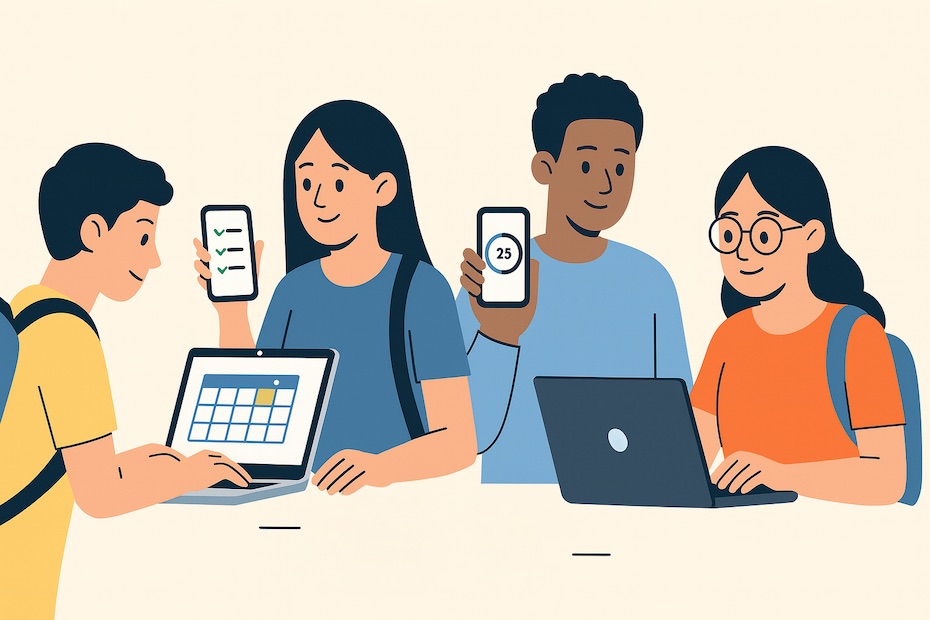
The best time management apps for college students help you organize classes, track assignments, set priorities, and maximize productivity, ensuring you meet deadlines without burning out.
As a college student, you’re managing lectures, assignments, exams, social commitments, and possibly part-time work. Without the right tools, deadlines slip, stress rises, and performance suffers. In this guide, you’ll discover ten carefully selected time management apps that give you the structure, clarity, and efficiency needed to succeed.
1. Google Calendar – Your Master Schedule
Google Calendar serves as the backbone of your time management strategy. It allows you to schedule classes, study sessions, extracurricular activities, and personal events in one place.
You can create color-coded calendars to differentiate between coursework, personal life, and other commitments. The app’s cross-device syncing means you’ll never miss a class because you left your laptop at home. Integrating it with reminders ensures you get alerts before deadlines and meetings.
Tip: Use recurring events for class schedules and exam reminders. That single action reduces planning time by at least 30% each semester.
2. Todoist – Task Management Made Simple
Todoist helps you break large projects into manageable steps. You can create priority levels, recurring tasks, and sub-tasks for complex assignments.
Its “Today” and “Upcoming” views keep you focused on what needs immediate attention. The integration with Gmail, Google Calendar, and Slack lets you convert emails or meeting notes directly into actionable tasks.
If you often find yourself juggling multiple assignments, Todoist’s labeling and filtering system ensures you can sort tasks by class, deadline, or priority in seconds.
3. Trello – Visual Planning for Group Work
Trello’s board-and-card system is ideal for group projects and multi-step assignments. Each board represents a project, while cards track specific tasks.
You can assign cards to team members, set due dates, and attach files directly to tasks. The visual nature of Trello makes it easy to see where a project stands at a glance, reducing time wasted in endless group chats.
Tip: Create a board for each major class project and set up lists for “To Do,” “In Progress,” and “Completed.” This simple workflow keeps your group accountable without micromanaging.
4. Notion – All-in-One Academic Hub
Notion replaces multiple apps by combining notes, task lists, calendars, and databases in one platform. You can create custom dashboards for each class, with sections for lecture notes, reading lists, and assignment trackers.
The real advantage comes when you link databases. For example, a “Reading Tracker” can connect directly to your “Assignment Calendar,” so every related deadline is visible without switching views.
Notion’s collaborative pages also allow group editing, making it a powerhouse for research-heavy courses.
5. Forest – Beat Procrastination and Stay Focused
Forest uses gamification to encourage focused study sessions. When you start a timer, a virtual tree grows; if you leave the app to check social media, your tree dies.
This simple mechanic helps you resist distractions, making it perfect for high-concentration work like essay writing or problem sets. Over time, you’ll see a visual forest representing your productive hours—a surprisingly motivating result.
Use Forest alongside the Pomodoro Technique (25 minutes work, 5 minutes break) to balance focus with rest.
6. Evernote – Centralize Your Study Material
Evernote helps you organize lecture notes, scanned documents, PDFs, and web clippings in one searchable space. The tagging system makes it easy to retrieve information when studying for finals.
You can also record audio directly into a note during lectures, making sure nothing slips through the cracks. With cross-device sync, you can start an outline on your phone during class and finish it on your laptop later.
Key productivity uses:
- Create a “Semester Notebook” for each term.
- Use templates for meeting or lecture notes.
- Clip research articles directly from the web.
7. Microsoft To Do – Simple, Effective Planning
Microsoft To Do offers a clean, minimalist interface for creating and managing daily task lists. If you’re already using Microsoft 365, it integrates seamlessly with Outlook and Teams.
You can break tasks into steps, set reminders, and view your agenda across devices. Its “My Day” feature encourages you to focus only on what’s relevant for the next 24 hours, reducing overwhelm.
For students working part-time or in internships, its work–school integration keeps you on top of both professional and academic obligations without juggling multiple platforms.
8. MyStudyLife – Built for Students
Unlike generic productivity apps, MyStudyLife is designed specifically for academic schedules. You can store your class timetable, track homework, and prepare for exams in one system.
The app syncs across devices and works offline, which is critical when you’re studying in places without reliable internet. It also accounts for rotating schedules, something most standard calendars can’t handle.
If your week shifts between lectures, labs, and workshops, MyStudyLife keeps every change organized without manual re-entry.
9. Asana – Project Management at Scale
Asana is a professional-grade project management tool that’s perfect for students handling internships, side projects, or leadership roles in student organizations.
You can create tasks, set deadlines, assign responsibilities, and track progress through list, board, or timeline views. This flexibility makes it as effective for planning a campus event as it is for managing a research project.
Tip: Use Asana’s recurring task feature for weekly responsibilities, such as club meetings or lab report submissions, so you never have to set them up again.
10. Clockify – Time Tracking for Accountability
Clockify tracks exactly how much time you spend on tasks. This data helps you identify patterns, such as overspending time on easy assignments and underestimating complex ones.
By analyzing weekly reports, you can adjust your study plan for maximum efficiency. This is especially useful if you’re balancing coursework with part-time work or freelancing.
Clockify also integrates with tools like Trello and Asana, so you can track time directly from your project boards.
Why These Apps Work Together
Using just one of these apps can help, but combining them strategically produces better results. For example:
- Use Google Calendar for scheduling and Todoist for task prioritization.
- Pair Forest with Notion to keep your study sessions focused and your resources organized.
- Track your productivity in Clockify to refine your approach every semester.
By integrating tools instead of working in silos, you build a system that’s flexible yet consistent—exactly what you need for sustained academic performance.
Best Time Management Apps for College Students
- Google Calendar
- Todoist
- Trello
- Notion
- Forest
- Evernote
- Microsoft To Do
- MyStudyLife
- Asana
- Clockify
In Conclusion
Time management in college isn’t about cramming more into your day—it’s about controlling your schedule with precision and purpose. By selecting the right mix of these ten apps, you streamline planning, enhance focus, and make consistent progress toward academic and personal goals. Once these tools become part of your routine, deadlines stop feeling like emergencies and start becoming just another task you’re ready to conquer.
For more insights about mastering productivity and using the right apps to stay on top of college life, please visit my Crunchbase

Yitz Stern is a New York–based entrepreneur and business consultant with 20+ years of experience in alternative funding and real estate. A former CEO of Fundry and managing director at Tiger Financial Technologies, he now advises mid- to large, non-public companies on capital strategy and scalable growth while investing in multifamily real estate